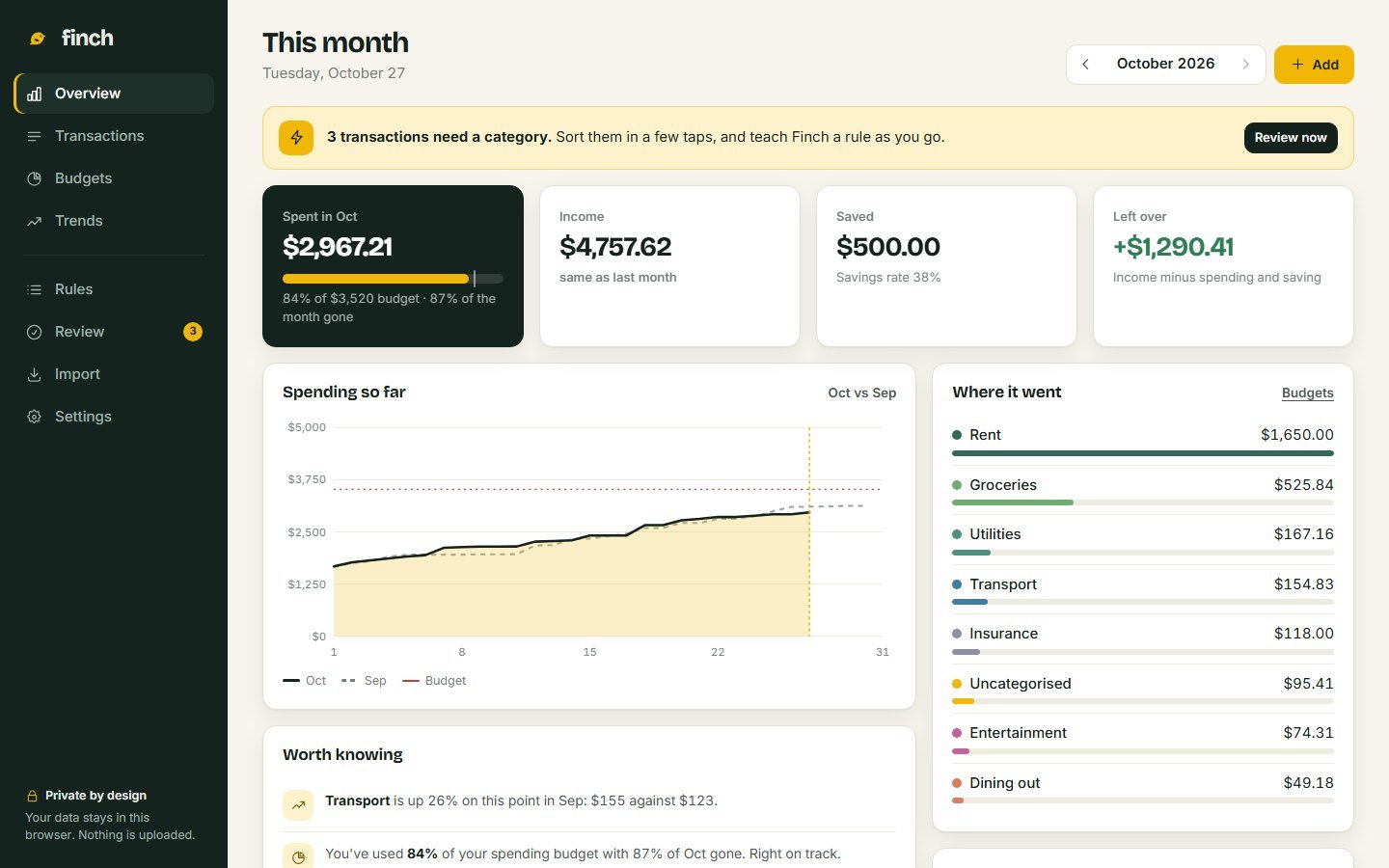

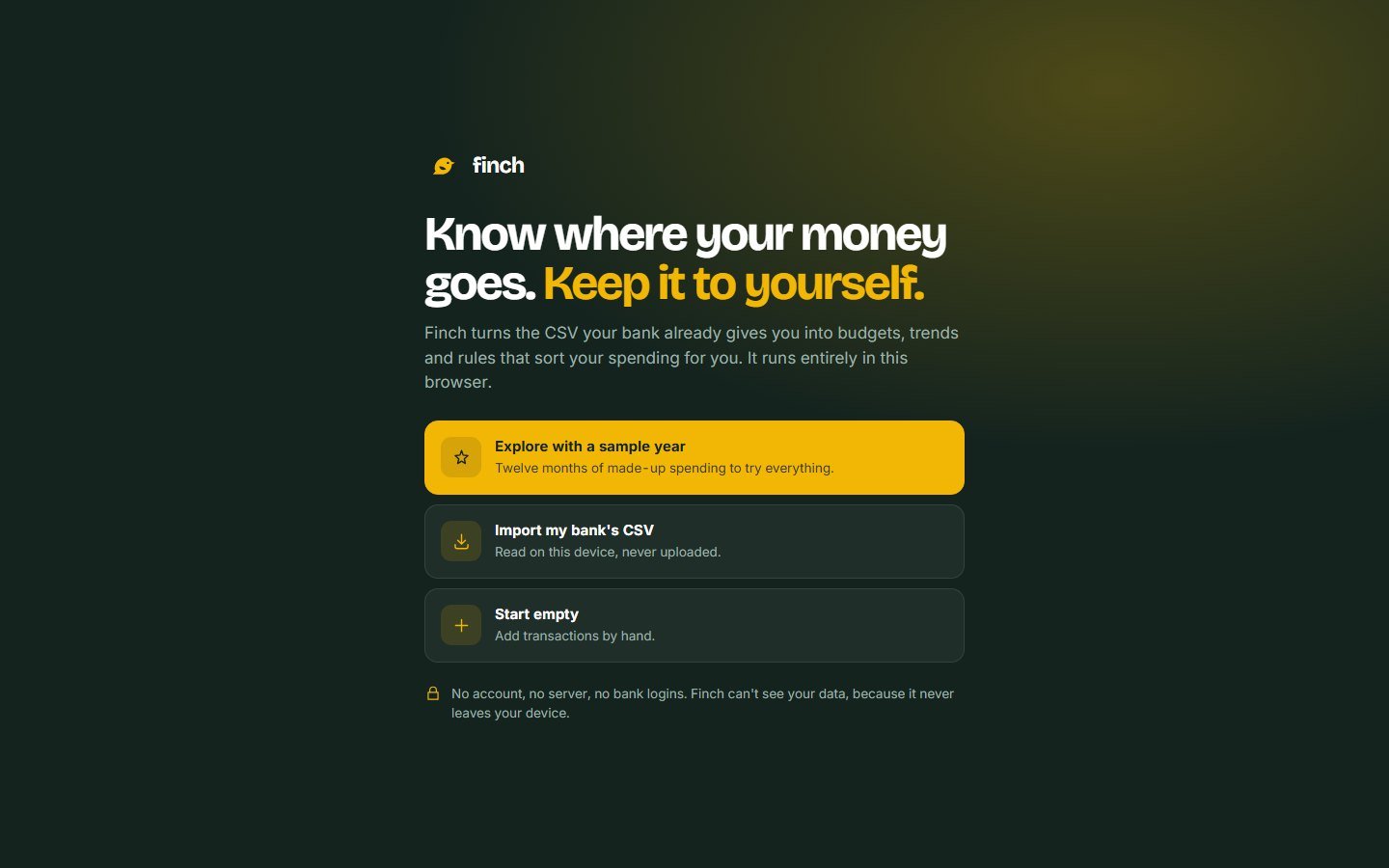
Private by default
No account and no server. Files are read in the browser, data stays in local storage, and it only leaves when you export it.
A personal finance dashboard that turns the CSV your bank already gives you into budgets, trends and rules that sort your spending, without a bank login, an account, or a server.
01 / The problem
Most budgeting apps start by asking for your bank login, then sort your money with rules you can't see. Finch starts from the file every bank already lets you download, and keeps every decision readable.
Linking an account hands a third party ongoing access to every transaction you make.
When an app files something under the wrong category, there's no way to see why, or stop it happening again.
Your history lives on someone else's server, in their format, for as long as they decide.
A concept study, honestly framed. Finch is self-initiated and there was no formal user research. Every person, merchant and number in the sample data is made up; the app itself is complete and works with real bank files.
02 / How it works
Five steps, all on your device. The heart of it is a short list of rules you write in plain words, run top to bottom, where the first match wins.
Drop in any bank's CSV: commas or semicolons, one amount or debit and credit.
Finch guesses the date, description and amount, and shows a preview.
Ordered rules categorise what they recognise. Duplicates are skipped.
Anything unrecognised waits for you, one card at a time.
The month, the year, and where it all went.
Rule 1 sits above rule 3 on purpose: "CORNER" alone would catch the coffee shop and the pharmacy.
03 / Principles
Each one shaped a specific part of the app, not just the marketing.
No account and no server. Files are read in the browser, data stays in local storage, and it only leaves when you export it.
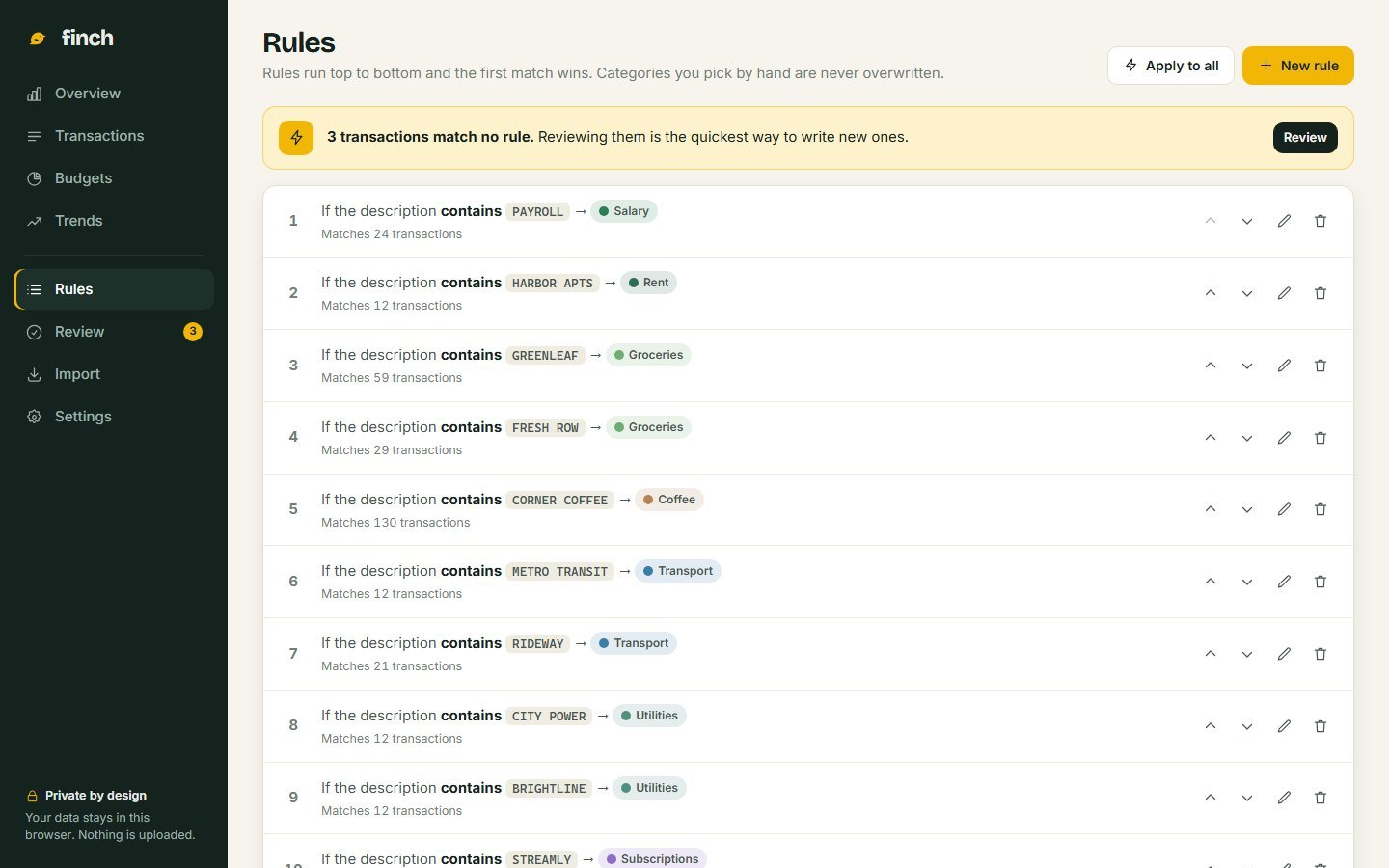
Every rule is a sentence, shows how many transactions it matches, and can be reordered. Nothing is decided by a model you can't inspect.
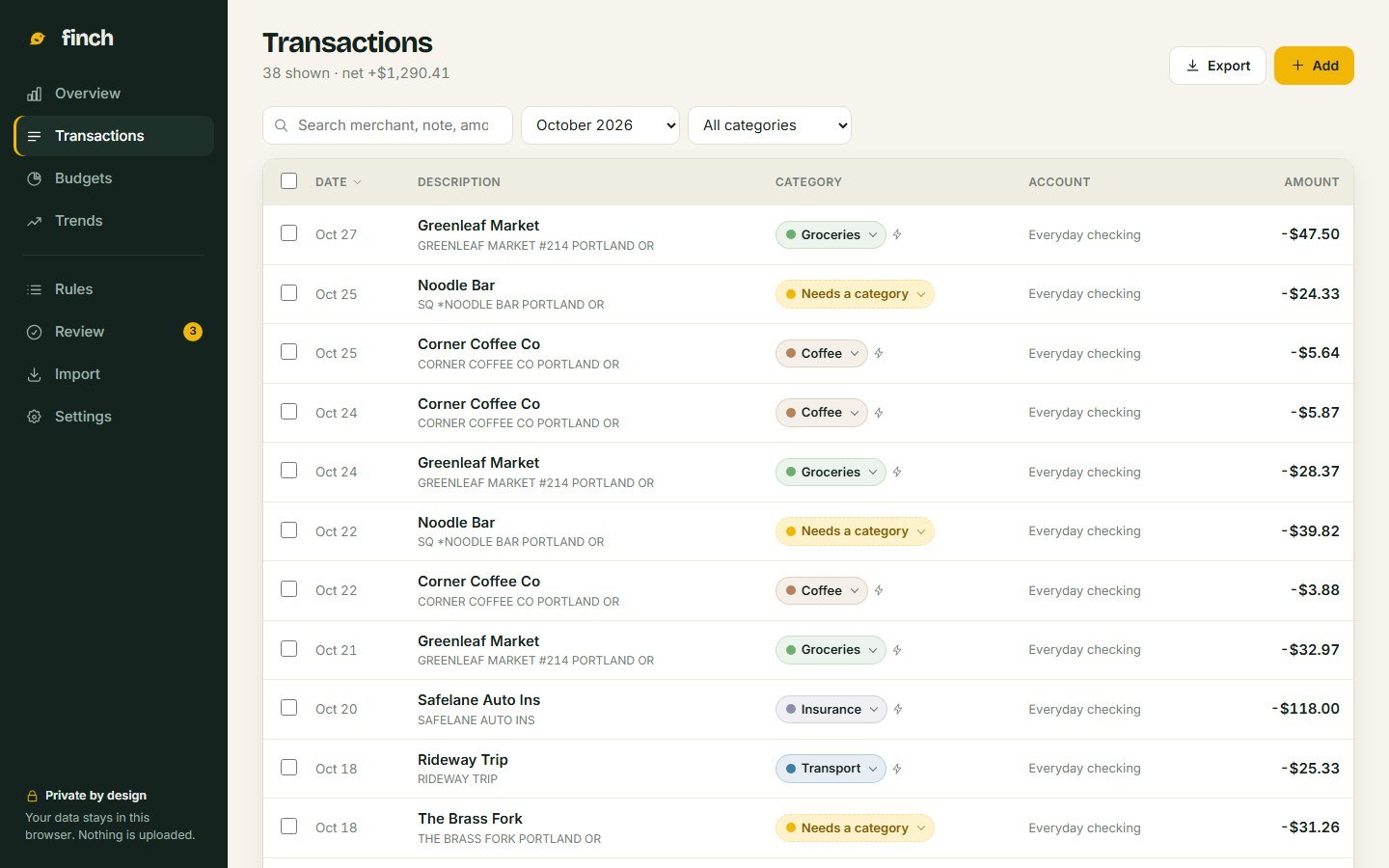
Pick a category by hand and no rule will overwrite it, even when you re-run every rule. A bolt marks the ones a rule chose.
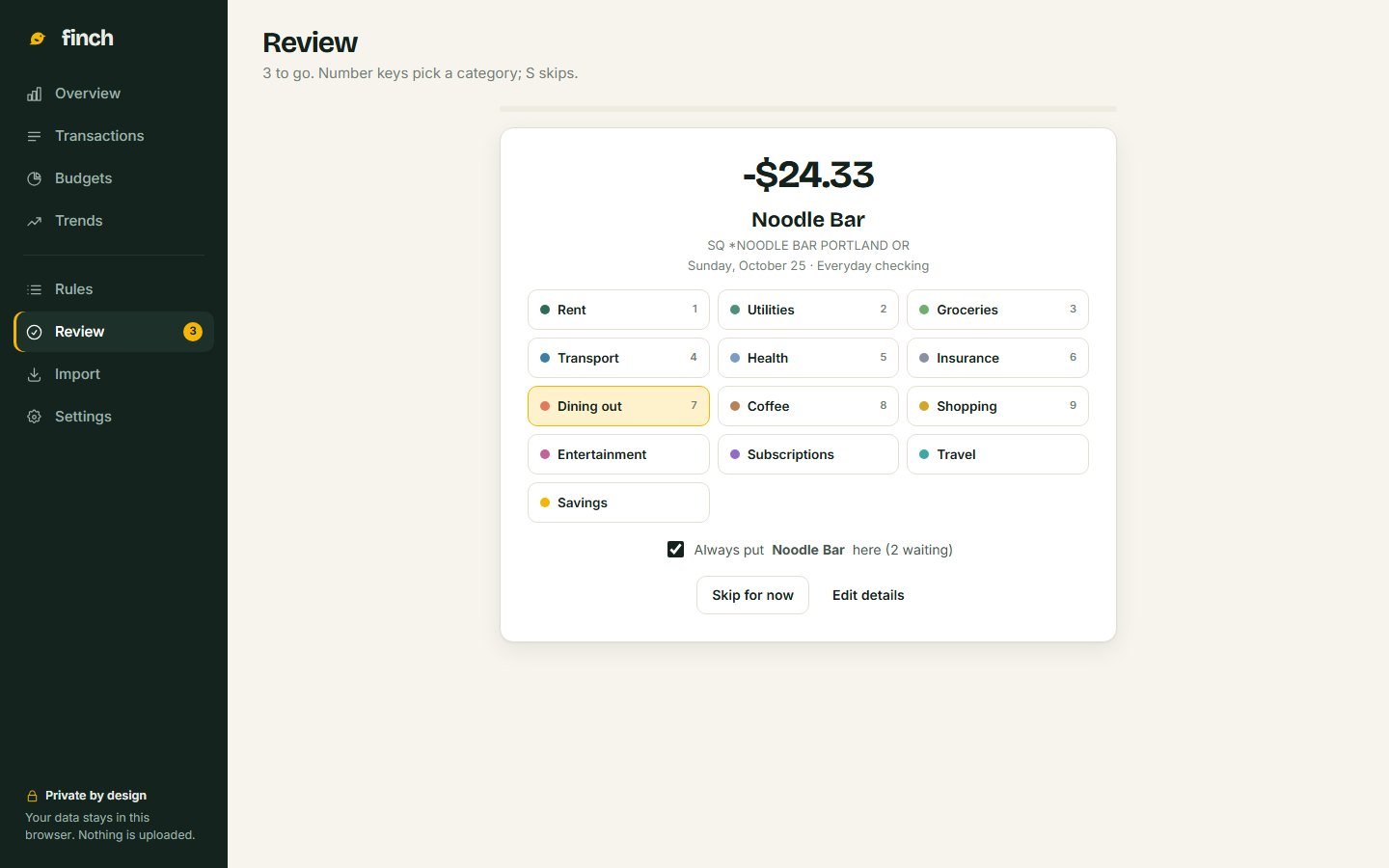
Unknown merchants go to Review instead of a wrong category. Tick "Always" and your answer becomes a rule for next time.
04 / Brand
Money apps tend to shout in neon or hide in grey. Finch borrows from the bird: a calm, dark green shell and a single bright yellow reserved for what needs your attention, like transactions waiting for review.
The mark · a goldfinch in four shapes
Typography
Bricolage GrotesqueHeadings and big numbers: friendly, a little quirky, never stiff.
AaInter, tabular figuresEverything else. Every digit is the same width, so amounts line up.
Palette
05 / Screens
Nothing here is a mockup. Select any screen to see it larger.
06 / Try it
This demo loads twelve months of fictional spending and doesn't save. Open Finch on its own to keep your work, or to import your own bank file.
Clear the Review queue. Press a number to pick a category, and leave "Always" ticked to write a rule.
Import the sample card statement. Import → Try a sample file. Then import it again and watch every row get skipped as a duplicate.
Re-order a rule. Move a rule up or down, then use Apply to all to preview what would change.
Your data stays on your device, even in the full app.
Open Finch on its own07 / How it's built
One HTML file, one stylesheet, one script. The tricky parts are the boring-looking ones: reading every bank's idea of a CSV, and doing money maths without rounding errors.
// Ordered rules, first match wins. Hand-picked categories are never touched.
function applyRules(list, onlyEmpty) {
  const changes = [];
  list.forEach(function (t) {
    if (t.manual) return;
    if (onlyEmpty && t.cat) return;
    const r = firstRule(t);
    const next = r ? r.cat : "";
    if (next !== t.cat) changes.push({ t: t, from: t.cat, to: next });
  });
  return changes;
}
It returns a list of changes instead of making them, which is what lets "Apply to all" show you exactly what would move before anything does.
08 / What I'd test next
Finch bets that people will trade a little manual importing for privacy and control. That deserves testing before anything else is built.
Privacy is the point, but if importing feels like a chore people may stop after a month.
Test: four-week diary studyOrdered rules are powerful but unfamiliar. The playground above is one way to teach it.
Test: task-based usability sessionsCollect anonymised header rows from many banks and measure how often the guesses are right first time.
Test: a corpus of real CSV headersSeeing "ahead of pace" mid-month might help, or might nag.
Test: A/B the budgets screen with and without it